November 11, 2026
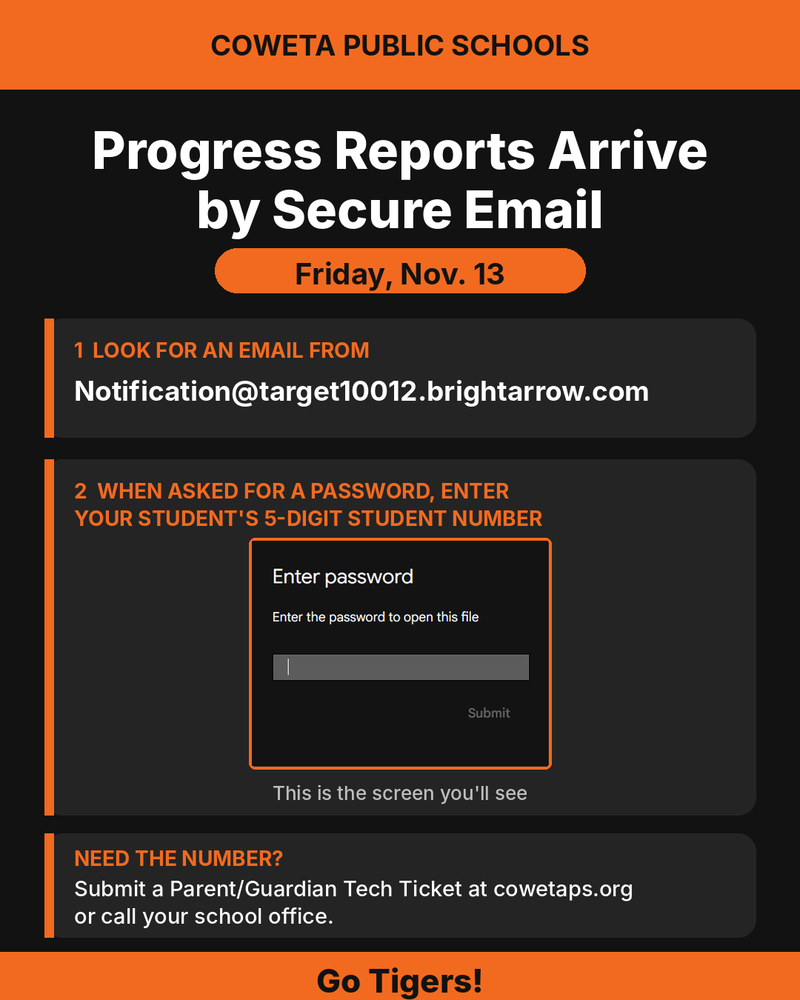
Progress Reports Are Coming by Secure Email on Nov. 13 Progress reports will be emailed on Friday, Nov. 13 . To help protect your student’s information, we’re sending them throu...
September 16, 2026
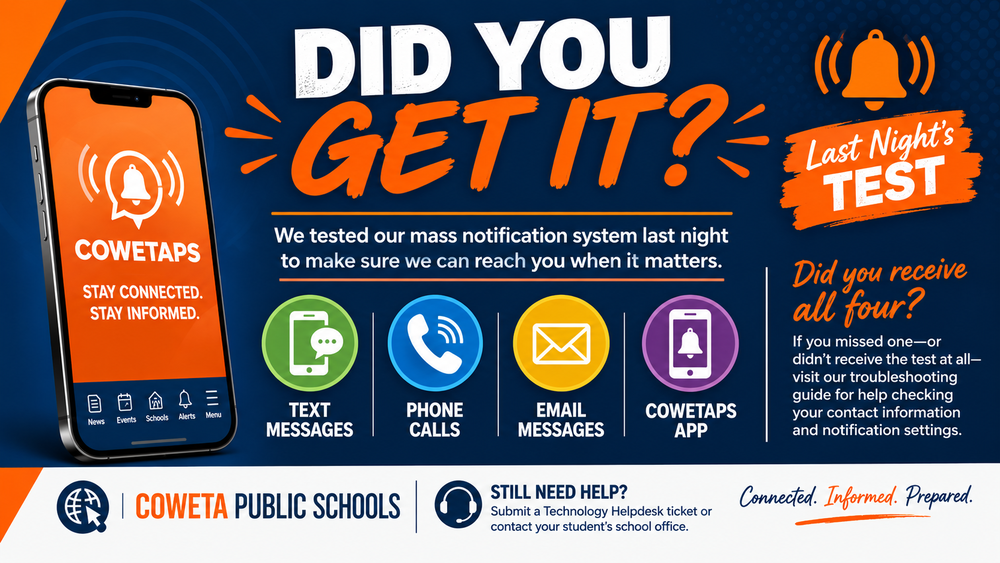
Last night, Coweta Public Schools conducted a districtwide test of our mass notification system. Families should have received our test through: 📞 Phone Call 💬 Text Me...
September 11, 2026
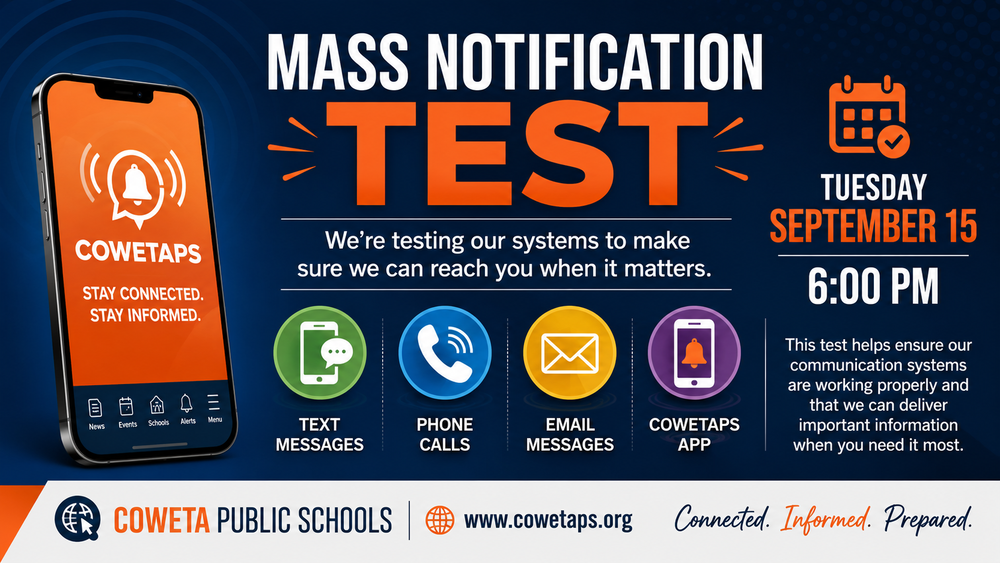
Being able to communicate with our families quickly and reliably is important—especially when the information is urgent. On Tuesday, September 15 at 6:00 PM , Coweta Public Scho...

August 31, 2026
See what's on the menu Visit your new menus URL at: https://www.schoolnutritionandfitness.com/index.php?sid=1786583140923 Guide to new menu system that will help you see aller...

August 28, 2026
The two-week Chromebook grace period ends Monday . Families have been given the first two weeks of school to identify and report any existing problems or damage with their stude...
August 21, 2026
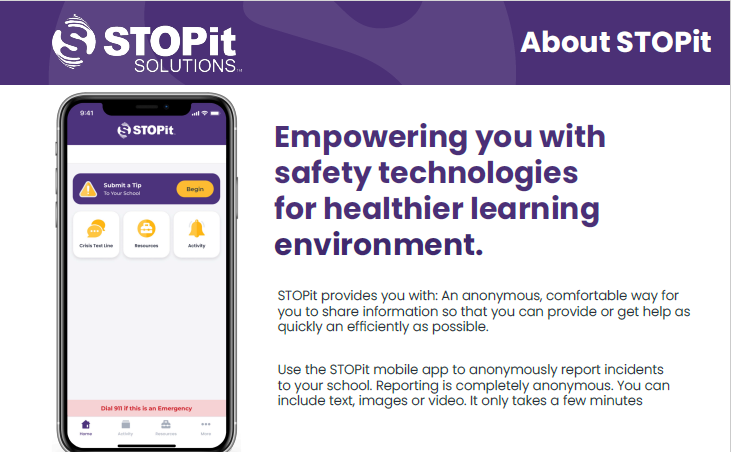
STOPit provides you with: An anonymous, comfortable way for you to share information so that you can provide or get help as quickly an efficiently as possible. Use the STOPit mob...
August 19, 2026
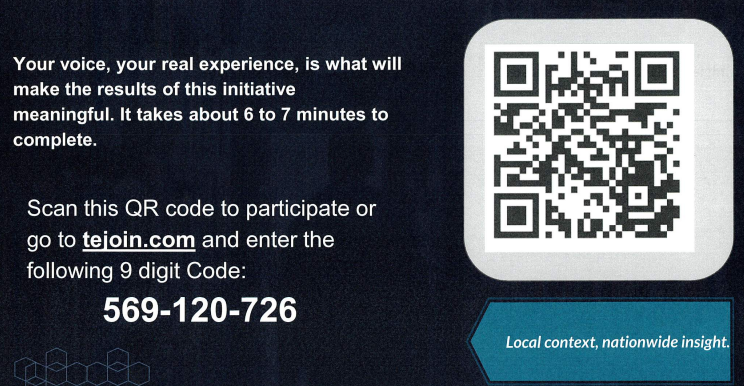
Dear Parents/Guardians of Coweta Public Schools Our district is participating in the AASA National Research Initiative -- a first-of-its-kind study measuring public confidence in...
August 8, 2026
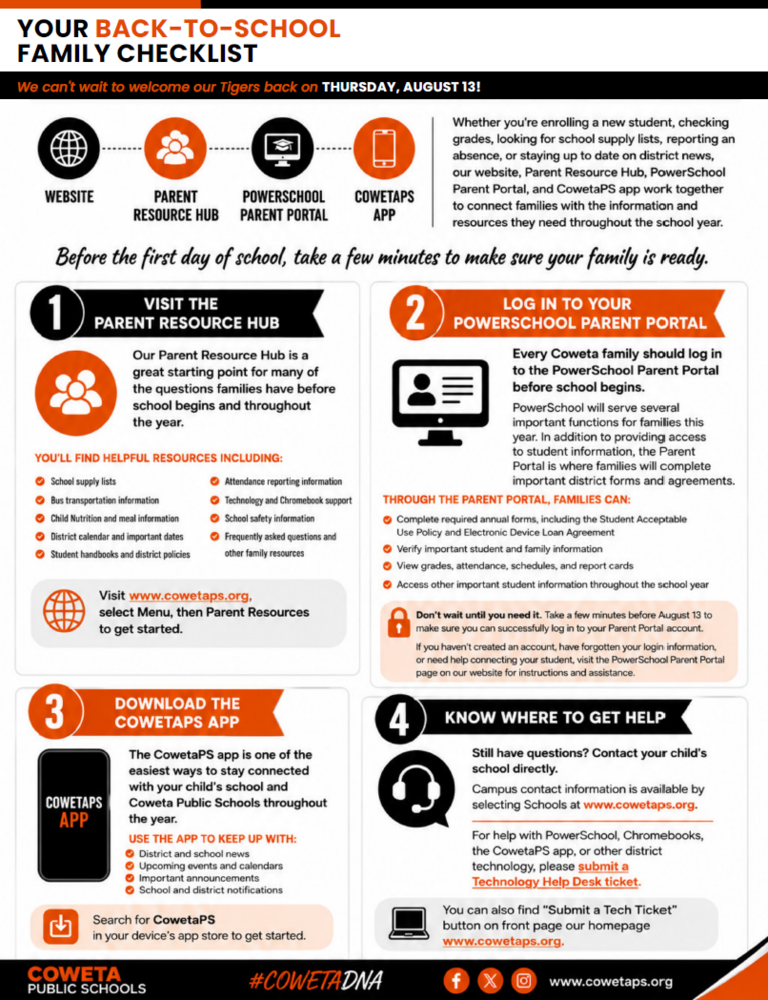
Your Back-to-School Family Checklist As we prepare to welcome students back on Thursday, August 13 , Coweta Public Schools has made it easier than ever for families to find impo...

May 19, 2026
The memories of Graduation Day are too special to experience just once. From proud smiles and happy tears to hugs with friends and that unforgettable walk across the stage, the Cl...

February 13, 2026
2026-2027 School Year Calendar Approved Beginning next year there will no longer be any virtual days. You can view the full calendar by clicking this link: 26-27 Calendar